Introduction
If you are trying to upload a PDF for a job application or government form, you may have faced a common problem — file size limit. Many portals only allow files under 100KB or 200KB, and larger files get rejected instantly.
This can be frustrating, especially when your document is important. But don’t worry — in this guide, you will learn how to compress PDF to 100KB easily without losing too much quality.
Why PDF Size Matters
Example Preview
- Job application portals
- Government exam forms
- College admission uploads
- Email attachments
Common Problems Users Face
- The file contains images
- Scanned documents are too large
- They don’t know how to compress properly
Best Method to Compress PDF
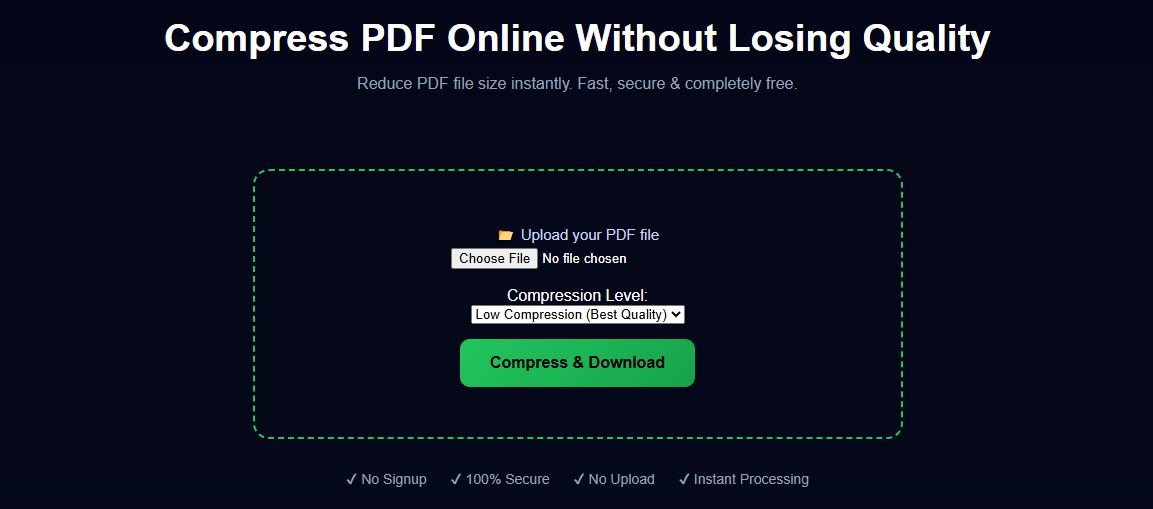
The easiest and fastest way is to use an online PDF compression tool. It reduces file size instantly without requiring any software installation.
Step-by-Step Guide
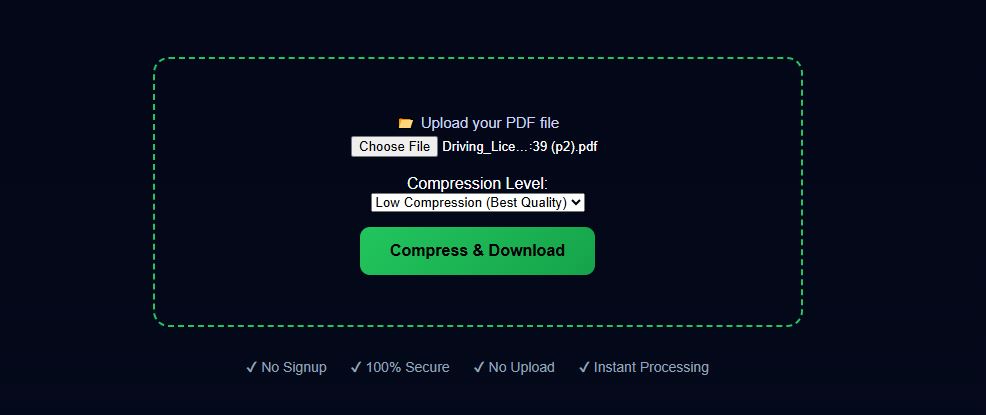
Step 1: Upload PDF
Step 1 Preview
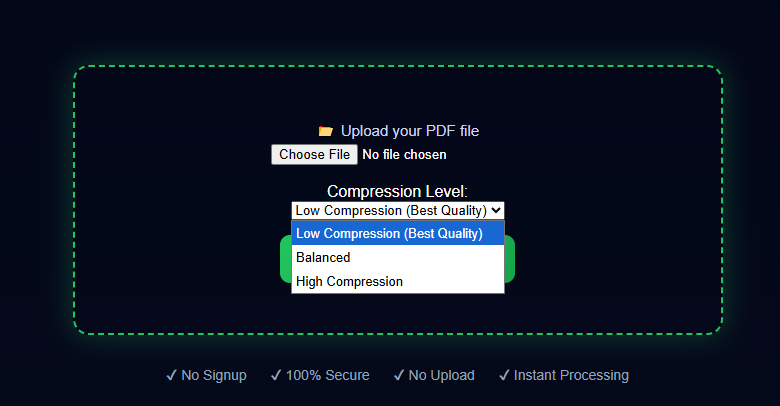
Step 2: Choose Compression Level
Select a level based on your needs (high quality or smaller size).
Step 3: Download Compressed PDF
Click compress and download your file instantly.
When Do You Need 100KB PDF?
Many job portals and government websites require strict file size limits. Especially in India, forms like SSC, रेलवे, और सरकारी भर्ती portals often reject files larger than 100KB.
Best Settings for 100KB Compression
- Use balanced compression mode
- Reduce image resolution
- Avoid color-heavy documents
Tips to Get Best Results
- Use balanced compression for readability
- Avoid high-resolution images if not needed
- Scan documents in lower DPI
Conclusion
Reducing PDF file size doesn’t have to be difficult. With the right tool and method, you can easily compress your PDF to meet any requirement.
Related Tools
Frequently Asked Questions
Can I compress PDF to 100KB exactly?
It depends on the content, but you can reduce size significantly.
Is it safe to compress PDF online?
Yes, if processed locally in browser.
Does compression reduce quality?
Some quality loss may occur depending on settings.