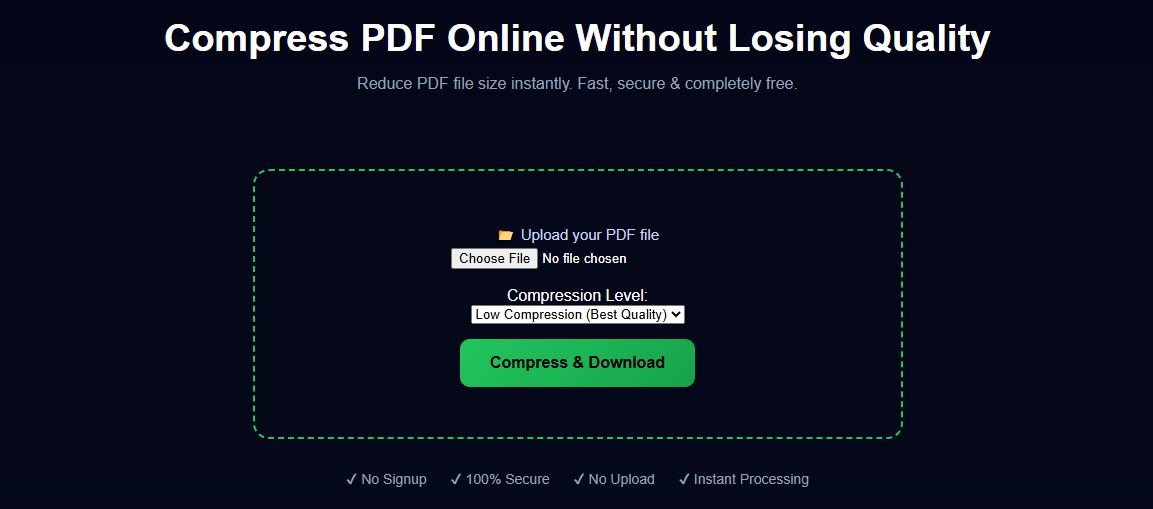
Compress PDF to 200KB Online Free (Fast & Secure)
Need to compress a PDF to 200KB for job applications, government forms, or email uploads? You’re not alone. Many websites require strict file size limits, and reducing PDF size without losing quality can be tricky.
In this guide, you’ll learn how to compress a PDF to 200KB online for free — quickly, safely, and without installing any software.
Why You May Need to Compress PDF to 200KB
Example Preview
There are many situations where reducing PDF size is important:
- Job application portals with size limits
- Government form submissions
- Email attachments
- Online exam or document uploads
If your PDF exceeds the limit, it may get rejected — so compression becomes essential.
How to Compress PDF to 200KB (Step-by-Step)
Follow these simple steps:
- Upload your PDF file
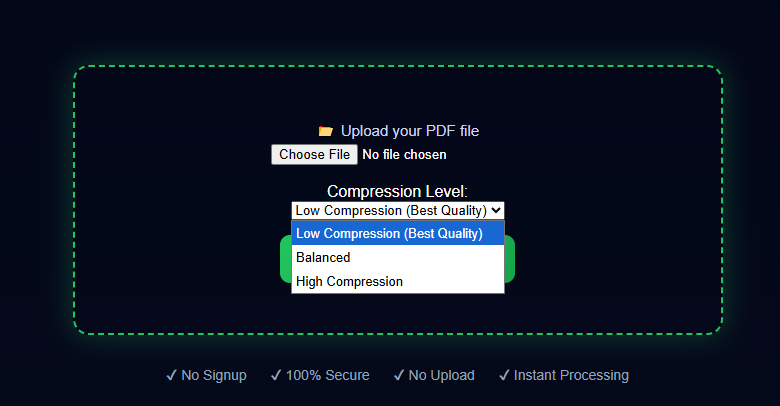
- Select compression level (high / balanced / small size)
- Click on “Compress PDF”
- Download the optimized PDF instantly
The easiest way is to use an online PDF compression tool. It reduces size instantly without installing any software.
Step-by-Step Guide
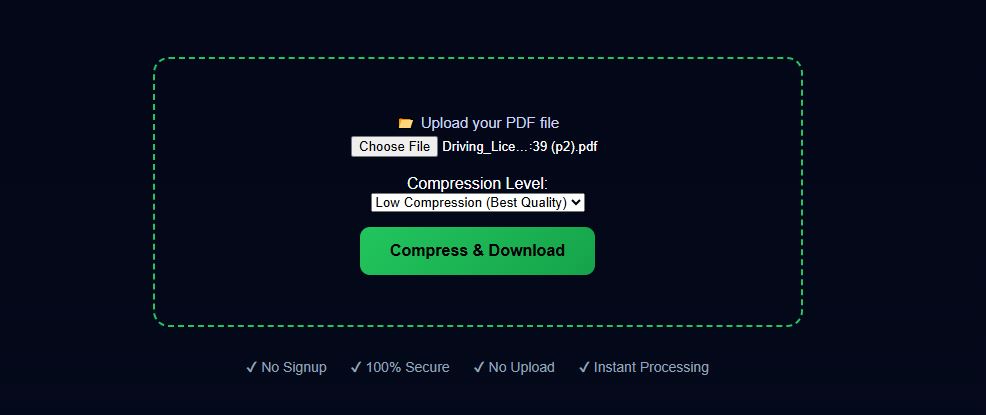
Step 1: Upload PDF
Step 1 Preview
Step 2: Choose Compression Level
Select balanced or high compression depending on your requirement.
Step 3: Download File
Download the compressed PDF instantly.
Best Way to Reduce PDF Size Without Losing Quality
Many tools reduce size but destroy quality. The right approach is:
- Use smart compression (not aggressive)
- Keep text readable
- Maintain images clarity
Modern tools use optimized algorithms to balance size and quality.
Can You Compress PDF to Exactly 200KB?
👉 Short answer: Sometimes yes, sometimes no.
It depends on:
- Original file size
- Number of images
- PDF quality
But with proper compression settings, you can get very close to 200KB.
Tips to Reduce PDF Size Faster
- Remove unnecessary pages
- Convert images to lower resolution
- Use grayscale instead of color
- Compress scanned PDFs properly
Best Use Cases
- Upload resume under 200KB
- Submit government documents
- Share PDFs via email or WhatsApp
- Reduce storage space
Try Free PDF Tools
Frequently Asked Questions
Is it safe to compress PDF online?
Yes. Good tools process files locally in your browser without uploading them.
Will quality be reduced?
Slightly, depending on compression level. But readable quality is maintained.
Can I compress scanned PDFs?
Yes, but results depend on image quality inside the PDF.
Does this work on mobile?
Yes. You can compress PDFs on Android, iPhone, and tablets.
Final Words
Compressing a PDF to 200KB is simple if you use the right tool. Whether you're applying for a job or submitting documents online, a fast and secure PDF compressor saves time and effort.
👉 Try it now and reduce your PDF size instantly.