Introduction
When applying for jobs online, most portals require you to upload a single PDF file. However, your documents are often in multiple files like resume, certificates, and ID proofs. This creates a problem during submission.
The solution is simple — merge all your PDF files into one document. This makes your application clean, professional, and easy to upload.
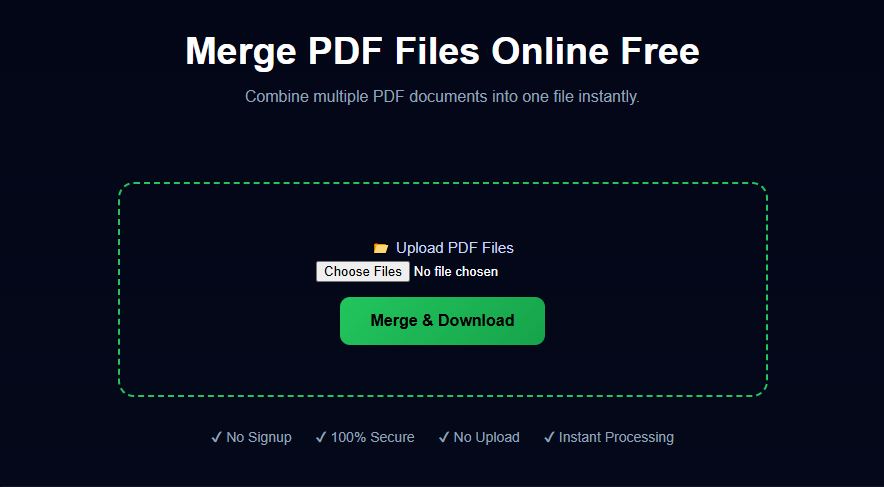
Example Preview
Why You Need to Merge PDF Files
- Upload all documents in one file
- Avoid rejection due to multiple uploads
- Make your application look professional
- Save time during submission
Best Way to Merge PDFs Online
The easiest method is to use an online PDF merge tool. It allows you to combine files instantly without installing any software.
Step-by-Step Guide
- Upload all PDF files you want to merge
- Arrange them in the correct order
- Click the merge button
- Download your final PDF file
Tips for Better Results
- Arrange files properly before merging
- Remove unnecessary pages
- Keep file size optimized
Conclusion
Merging PDF files is essential for job applications and document submission. With the right tool, you can easily combine all your documents into a single, professional file in seconds.
Related Tools
Frequently Asked Questions
Is merging PDF files safe?
Yes, files are processed securely and not stored.
Can I merge multiple PDFs at once?
Yes, you can combine multiple files into one.
Is this tool free?
Yes, it is completely free to use.