Introduction
Large PDF files can create problems when uploading documents online, sending emails, or submitting job applications. Many platforms have strict file size limits, and exceeding them can lead to rejection.
Reducing PDF file size helps improve upload speed, saves storage space, and ensures compatibility across different platforms.
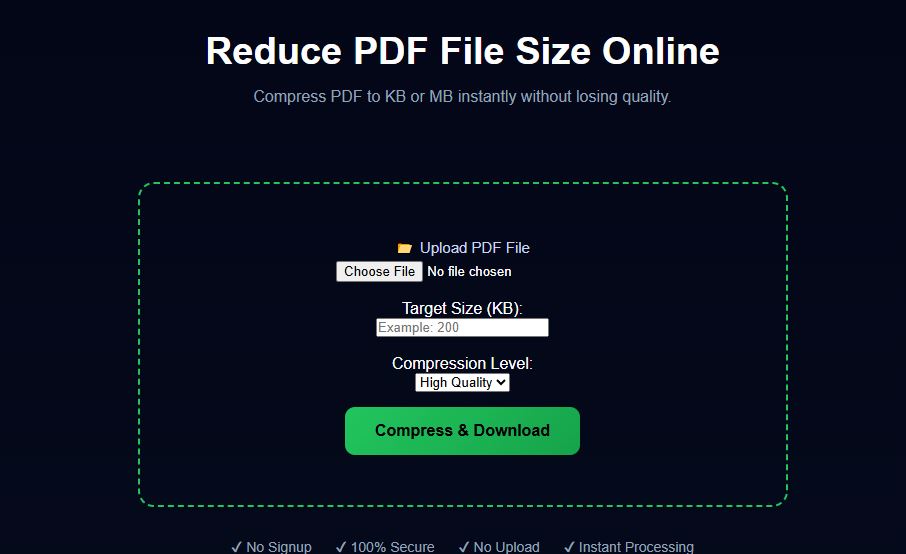
Example Preview
Why You Should Reduce PDF Size
- Faster uploads on websites
- Easy sharing via email and WhatsApp
- Save storage space on devices
- Avoid file size limit errors
Best Way to Reduce PDF Size
The most efficient way is to use an online PDF size reducer tool. It compresses your file instantly without needing any installation.
Step-by-Step Guide
- Upload your PDF file
- Select compression level
- Click compress
- Download reduced file
Tips to Get Best Results
- Use balanced compression for better readability
- Reduce image resolution inside PDF
- Avoid unnecessary pages
Conclusion
Reducing PDF file size is essential for smooth online submissions and document sharing. With the right tool, you can compress your files quickly without losing quality.
Related Tools
Frequently Asked Questions
Does reducing PDF size affect quality?
Some compression may slightly reduce quality, but balanced settings maintain clarity.
Is it safe to reduce PDF size online?
Yes, files are processed securely and not stored.
Can I reduce PDF size for free?
Yes, our tool is completely free to use.